
Speed reading app vs text to speech sounds like a technology comparison, but it is really a reading-task comparison. A speed reading app helps you move through text with your eyes using pace, visual focus, and display control. Text to speech helps you move through text with your ears through spoken playback. Both can help with backlog, but they do not serve the same moments equally well.
The short version of speed reading app vs text to speech
Choose a speed reading app when you want stronger visual control, faster first-pass reading, and direct interaction with the text. Choose text to speech when your eyes need relief, when you want audio continuity, or when the setting makes screen reading awkward.
That answer sounds simple because it is. Problems appear when people expect one mode to do the whole job.
Why visual reading still matters
A speed reading app keeps you visually attached to the text. That matters for structure, spelling, layout, and the feeling of control over sentence-level meaning. If your goal is to move through articles, PDFs, or chapters while still tracking where the argument goes, visual pacing often wins.
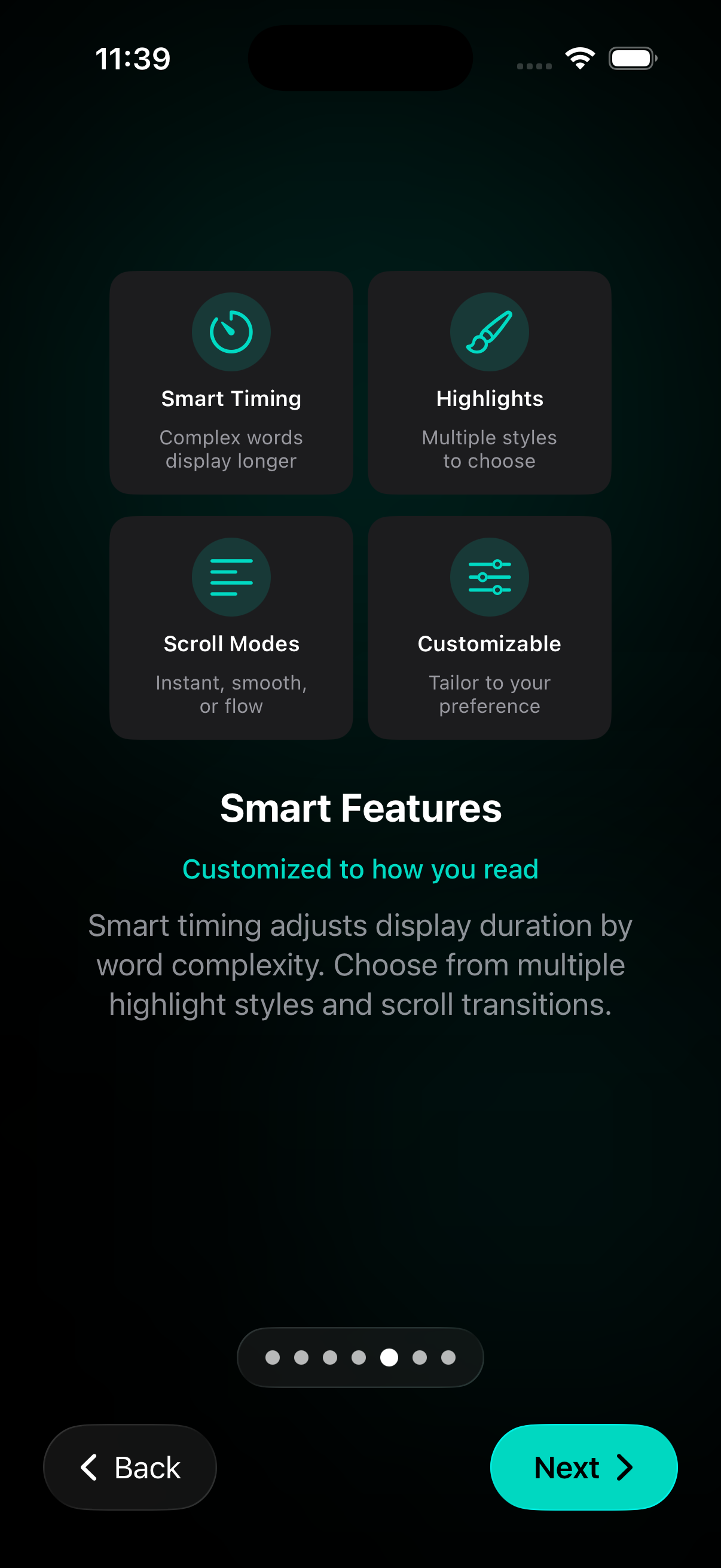
RSVP Reader’s App Store listing leans into that strength with paced reading modes, adjustable WPM, ORP highlighting, punctuation pauses, and reading stats. Those are tools for readers who want the screen to work with them instead of against them.
Why text to speech still matters
Text to speech matters because reading does not always happen at a desk. A spoken mode can keep the material moving when your eyes are tired, the screen feels heavy, or you want to stay with the text while walking or doing something light with your hands.
Apple’s support pages around spoken content settings and speaking the screen or selected text show that this is already part of normal iPhone use. Audio is not a weird corner case. It is a legitimate reading aid for the right moment.
Speed reading app vs text to speech for comprehension
Comprehension is where the choice gets interesting. Visual reading often preserves structure better because you can see punctuation, paragraph shape, headings, and emphasis directly. Audio can preserve continuity better because it reduces visual fatigue and lets you stay with the material longer.
That means the better mode depends on what kind of understanding you need. If you are studying a difficult section, visual reading usually gives you more control. If you are doing a first pass through a long article or report and your eyes are fading, text to speech may help you keep going.
This is why read faster without losing comprehension belongs close to the comparison. Neither side wins by default. The task wins.
Speed reading app vs text to speech for pace
A speed reading app lets you set the pace directly. You can move from one WPM setting to another, change pauses, and shift the display mode when the text gets harder. With text to speech, pace is still adjustable, but it is shaped by voice playback rather than by visual recognition.
That matters because speed feels different in each mode. A fast spoken rate can become tiring in a different way than a fast visual rate. Some people can tolerate more speed with their eyes than with their ears. Others are the opposite. That is why the cleanest answer is not “which one is faster?” but “which one lets you keep enough meaning at a pace that still feels usable?”
Speed reading app vs text to speech for different text types
Articles often work well in either format. Research papers and dense PDFs usually lean visual because tables, formulas, and structure matter. Books can go either way depending on the chapter and your goal. Notes, saved links, and copied text often work especially well in a speed reading app because you are already in a short-form, screen-based workflow.
This is one reason RSVP Reader’s listen mode is useful. You do not have to choose one camp forever. You can read visually when that helps most, then switch to audio when the situation changes.
When a mixed workflow beats a pure workflow
For many readers, the real winner in speed reading app vs text to speech is the mixed workflow. Start visually. Use a paced mode to move through a first pass. Switch to listen mode when your eyes need relief. Return to visual reading when a section needs more precision.
This is especially helpful for long-form reading. A pure audio workflow can make it hard to inspect structure. A pure visual workflow can wear you down. Mixing the two can keep the session alive.
Where audio-first apps still have the edge
Audio-first tools like Speechify can still win when the whole job is built around listening. If you want broad voice catalogs, a strongly audio-centered product, and playback as the main reading surface, those tools may feel more complete for that purpose.
That is why RSVP Reader vs Speechify should be nearby. RSVP Reader’s listen mode is best framed as part of a broader reading workflow, not as a promise that it does every audio-first job better than a dedicated TTS product.
Where a speed reading app has the clearer edge
A speed reading app pulls ahead when you need visual control, fast first passes, and a tighter feeling of contact with the text. It also pulls ahead when you are dealing with imported links, scans, PDFs, and a reading backlog that benefits from library tools and saved progress.
That is why speed reading app for iPhone and listen mode are both relevant. One page explains the visual reading system. The other explains how audio fits inside it.
Next steps
If you mainly want the audio side of this comparison, open listen mode. If you are deciding between RSVP Reader and an audio-first product, see RSVP Reader vs Speechify. If your real workload is dense PDFs and papers, go to read research papers faster. Speed reading app vs text to speech stops sounding like a category war once you tie each mode to the job it serves best.
Sources
RSVP Reader: Speed Reading App | Apple App Store | April 1, 2026 | https://apps.apple.com/us/app/rsvp-reader-speed-reading/id6757968737 Speechify – Text to Speech PDF App | Apple App Store | Publication date not listed | https://apps.apple.com/us/app/speechify-text-to-speech-pdf/id1209815023 Adjust voice and speed for VoiceOver and Speak Screen on your iPhone, iPad, and iPod touch | Apple Support | February 15, 2024 | https://support.apple.com/en-us/111798 Hear iPhone speak the screen, selected text, and typing feedback | Apple Support | Publication date not listed | https://support.apple.com/en-tm/guide/iphone/iph96b214f0/ios