
Read faster without losing comprehension starts with dropping one bad idea. Faster is not always better. Better is better. If a reading method helps you move through simple material faster while still keeping the meaning you need, that is a win. If it pushes the pace past what the text can bear, the speed is fake. You still have to go back and re-read, and the time savings disappear.
Why comprehension drops when speed rises too far
Reading always has two jobs. You have to take in the words, and you have to build meaning from them. When pace rises too high, those jobs start competing. The eye may still catch words, but structure, inference, and detail can drop away. That is why research reviews on speed reading keep warning against extreme claims. Rayner and colleagues argue that very high reading-rate claims usually break down once comprehension is measured seriously.
Here is why that matters for normal readers. Most people do not need to read at an absurd pace. They need to shave friction off normal reading. That can mean reducing wasted eye movement, using a steadier visual cue, or choosing a pace that keeps the session alive without flattening the meaning.
The goal is not “read as fast as possible.” The goal is “read faster without losing comprehension.”
Start with the kind of comprehension you need
Not every reading task asks for the same level of retention. This is the first filter that makes the rest of the advice work.
If you are reading a news summary, a saved article, or background material, you may only need the main claims and structure, and that kind of surface pass is closer to skimming than to a full read, as skimming vs speed reading explains. If you are reading a chapter for class, a contract, or a technical section in a research paper, you need more precision. Those tasks should not use the same speed target.
Let’s break it down. Ask three questions before changing pace.
What do I need to remember? What happens if I miss a detail? Is this a first pass or a close read?
Once you know that, it becomes easier to choose the right reading mode and the right WPM.
Use the pace that keeps structure intact
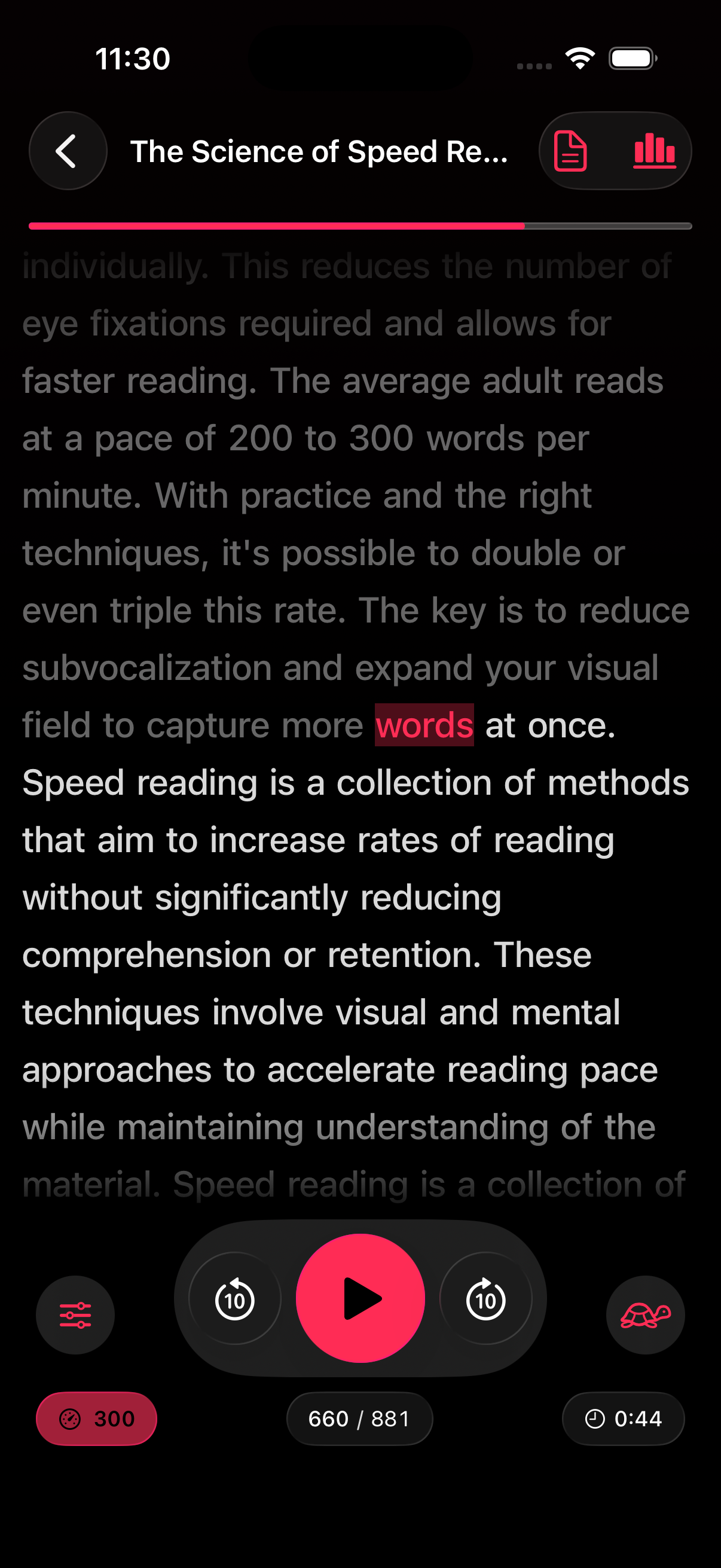
The fastest useful pace is the one where sentences still feel like sentences. That means punctuation still registers, relationships between clauses stay visible, and your brain is not constantly asking you to rewind. In RSVP Reader, that often means adjusting WPM and punctuation pauses together instead of thinking about speed as a single number.
Apple’s spoken-content settings provide a good analogy. Speech rate matters, but rate alone does not decide clarity. Delivery still needs enough room to remain understandable. Visual reading works the same way. A setting that seems fast on paper may still be too fast for the structure of the text.
That is why a page like what is a good reading speed helps. It gives readers a more realistic range than hype pages do.
Match the reading surface to the text
One of the biggest reasons people fail to read faster without losing comprehension is that they force one reading surface on every text. A short article may work well in a strong paced mode. A long chapter may need a fuller view. A dense PDF may need slower speed, stronger focus cues, or more spacing.
That is why mode choice matters as much as speed. If the app offers more than one reading mode, use that range. The wrong surface can make a reasonable pace feel unreadable. The right surface can make the same pace feel easy.
This is also where people get better results from apps than from static speed-reading tips online. The app can let them test the method on the actual text that matters to them.
Keep review inside the workflow
Read faster without losing comprehension does not mean every sentence has to land perfectly on the first pass. Good readers often use a layered method instead. They move faster on the first pass, then slow down for the sections that carry the actual load. That is one reason bookmarks, saved progress, and full-text views matter.
If the app lets you mark your place, return to a section, or switch from paced reading to a fuller text view, you do not have to treat reading as a single-speed event. You can use pace to cover ground and review to protect understanding, which is exactly how you read faster and remember more rather than trading one for the other.
Next steps. If you are reading something dense, try this sequence. First pass at a moderate pace. Bookmark the parts that feel heavy. Return in a slower mode or a fuller text view. That is often a better way to read faster without losing comprehension than forcing yourself through everything at the same speed.
Reduce subvocalization, but do not fight language itself
A lot of advice on speed reading tells readers to “stop hearing the words in your head.” That is too blunt. Subvocalization can slow people down, but inner speech is also part of how many readers keep meaning together. Trying to crush it completely can turn reading into a tense performance.
What works better is softening the habit where it causes drag. A paced display can help by reducing backtracking and giving the eye a steadier pattern. But the goal is not silence. The goal is less friction. That is why reduce subvocalization should sit close to this page in the internal link structure.
Practice with the right material first
If you want to read faster without losing comprehension, do not begin with the hardest thing on your list. Start with material that is familiar enough to let you learn the pacing. An article you care about but do not need to memorize is a good first test. A difficult research methods section is not.
This matters because skill growth needs feedback. If the text is too hard, you cannot tell whether the issue is the pace, the method, or the content itself. Easier material helps you find the zone where faster reading still feels coherent.
Once you know that zone, move outward. Try moderately difficult material. Then use the same settings on denser text and adjust from there.
Use realistic WPM targets
A lot of readers sabotage themselves by chasing someone else’s number. That is not useful. A realistic pace varies by text and by person. The meta-analysis on reading rate by Brysbaert gives a much calmer frame than most speed-reading ads. Adult silent reading in English sits in a much narrower and more ordinary range than hype pages suggest. That should be reassuring. You do not need a heroic number to make progress.
If you are reading nonfiction, a modest increase that still feels controlled is far more useful than a huge jump that collapses later. Read faster without losing comprehension works best when each increase still leaves the sentence structure intact.
Use cues that reduce search work
Visual supports can help if they reduce the amount of searching your eye has to do. ORP highlighting, emphasis styles, theme changes, and spacing controls can all matter here. They do not create comprehension by themselves. They make it easier for your eye to stay organized while pace rises.
That is why how ORP highlighting works belongs near this page. Some readers need a stronger visual anchor to keep comprehension from slipping as speed rises. Others need a quieter screen. Either way, the principle stays the same. The visual display should reduce effort, not add it.
Know when to stop pushing speed
There is a point where higher speed stops helping. The signs are simple. You keep re-reading mentally. Sentence boundaries start vanishing. You remember the topic but not the claim. You feel busy, not informed. That is the moment to slow down, change the mode, or switch to a review pass.
This is not failure. It is exactly how you read faster without losing comprehension. You keep the pace where it still serves meaning. Once it stops serving meaning, you change the conditions.
Next steps
If you want a practical benchmark, take the reading speed test. If you want the method page behind the app, read how RSVP speed reading works. If you want to see how realistic ranges look, open what is a good reading speed. Read faster without losing comprehension becomes possible when pace, display, and review all work together.
Sources
So Much to Read, So Little Time: How Do We Read, and Can Speed Reading Help? | Association for Psychological Science | January 2016 | https://journals.sagepub.com/doi/10.1177/1529100615623267 How many words do we read per minute? A review and meta-analysis of reading rate | Journal of Memory and Language | December 2019 | https://www.sciencedirect.com/science/article/abs/pii/S0749596X19300786 Adjust voice and speed for VoiceOver and Speak Screen on your iPhone, iPad, and iPod touch | Apple Support | February 15, 2024 | https://support.apple.com/en-us/111798